
Build a bio page
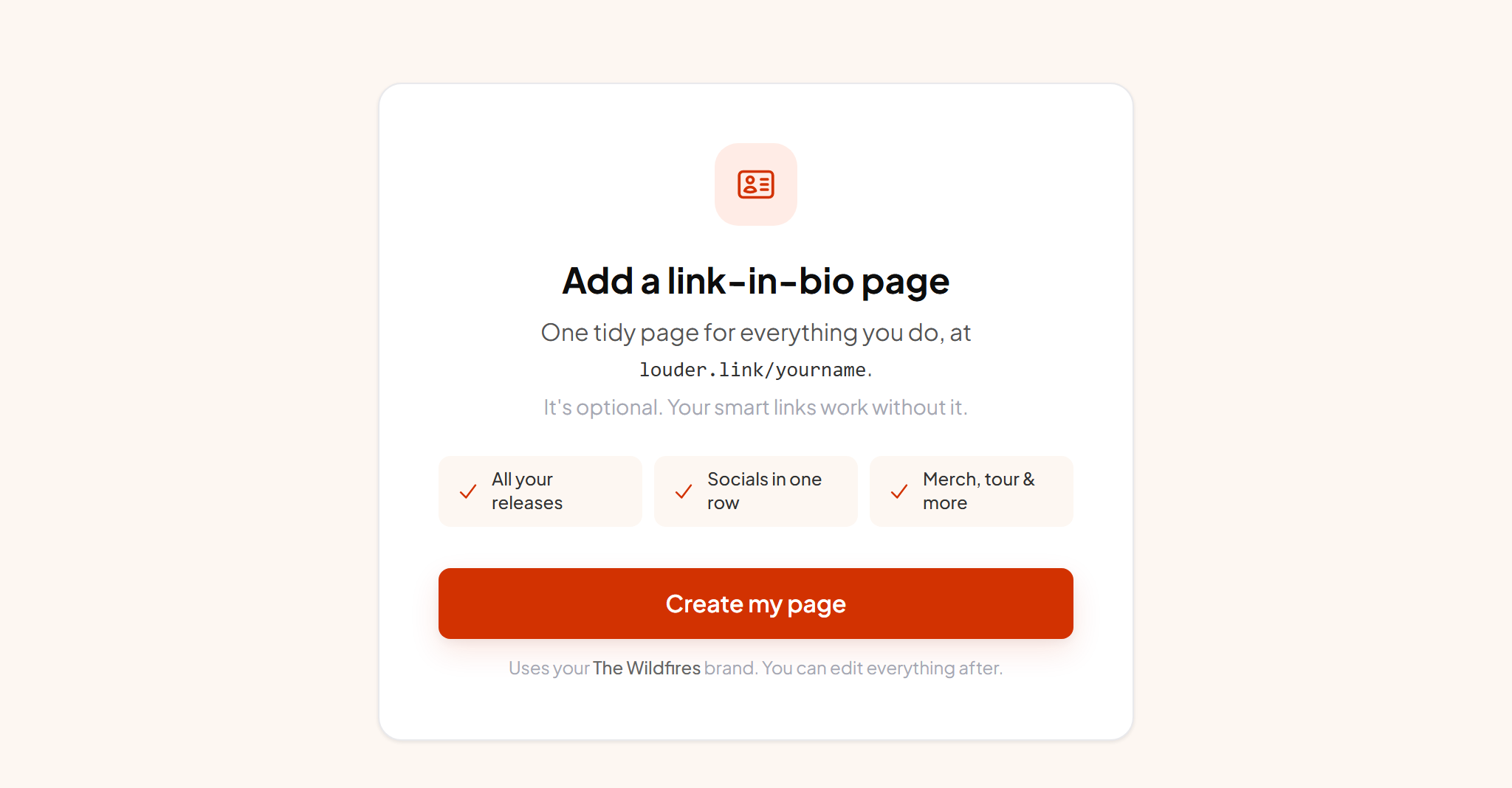
One page for the single link Instagram and TikTok allow, holding everything else you want to point at.
What it's for#
Social profiles give you one link. A bio page is that link: your photo, a short bio, and a button for every place you want fans to go, all styled like the rest of your pages.
Setting it up#
- 1 Open Link in bio and create the page You get one page per artist. It starts with your artist name and photo already filled in.
- 2 Set your handle This is the address fans see. Your artist name is the obvious choice.
- 3 Add a photo It carries over from your artist profile if you have one there. A square crop looks best.
- 4 Write a short bio Two lines is plenty. Basic formatting is supported, so a release name can be bold.
- 5 Add your links and socials Buttons for anything with an address, and social icons that render automatically.
- 6 Save and preview The preview beside the editor updates as you work, and Preview opens the real page.
It matches your other pages#
A bio page uses the same theme, accent colour, font and button shape as your smart links, inherited from your artist settings. Change the look once and everything follows, so a fan moving from your bio to a release page sees the same thing throughout.
It's tracked like a smart link#
Views, button clicks, countries, devices and referrers are all recorded, with the same timeframe filters and its own tap heatmap. Ad pixels fire on it too, so a bio page works properly as an ad destination rather than being a blind spot.
Collecting emails here too#
You can add a sign-up box with your own prompt, for example "Get my new music first". Those fans land on the same audience list as everyone else. It is the highest-traffic page most artists have, so it is usually the best place to ask.