
Services & buttons
Reorder, hide, correct a wrong match, and add buttons of your own.
The services list#
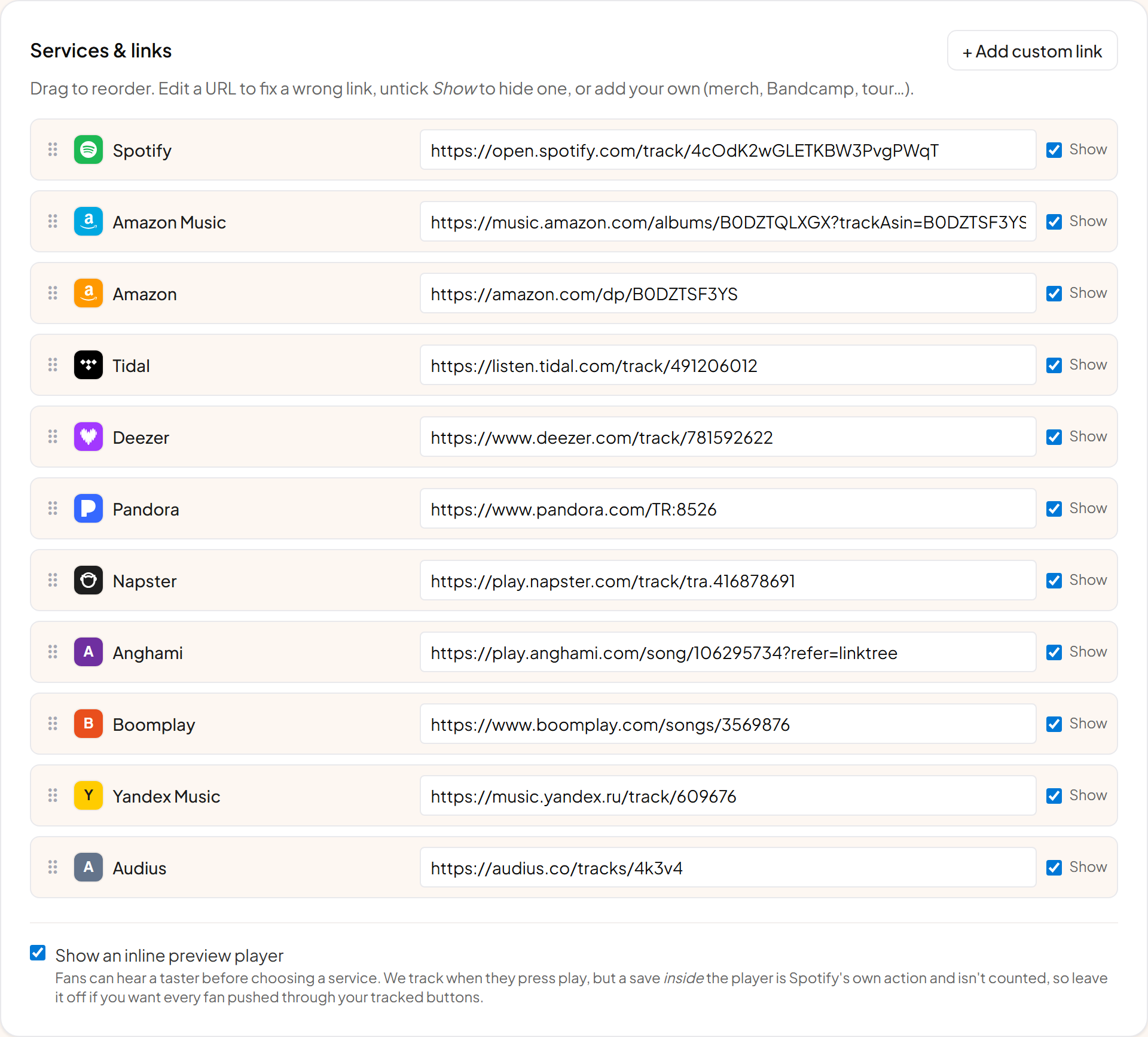
Everything we found for the release, in the order fans will see it. Drag to reorder, and untick to hide one without losing it.
Putting the right service first#
The default order follows rough global listening share, which is a fine starting point. Once a link has traffic, open its stats and look at Clicks by service. If your audience is mostly on Apple Music, move it up. On a phone the top two buttons get most of the taps.
What fans play, by country is the panel to check if you release in several markets, since the answer often differs between them.
Hiding a service#
Reasons to hide one: it pays badly and you would rather push people elsewhere, the match is wrong and you cannot correct it, or the list has got too long. Fewer, better-ordered buttons usually convert better than a complete list.
Fixing a wrong match#
Paste the correct address over the one we found. This happens most with covers, remasters and re-releases that share a title. Your correction is permanent for that link and is used for the button, the app deep link and the click tracking.
Your own buttons#
Add buttons for anything with an address: merch, tickets, Bandcamp, a video, a Patreon. They sit in the same list, can be reordered among the services, and are tracked exactly like a service button so you can see whether anyone actually taps them.
What the buttons say#
Each service has a sensible verb by default, so Spotify says Play and iTunes says Download. You can override the wording for the whole link if you want something more specific, such as "Listen now" or "Pre-order".