
Inviting your team
Give a manager, label or bandmate access without handing over your password.
Indie and above
Why invite rather than share a login#
A shared password means everyone can change billing, delete links and export the fan list, and you cannot remove one person without changing it for everybody. An invite gives each person their own login, their own permissions, and removal in one click.
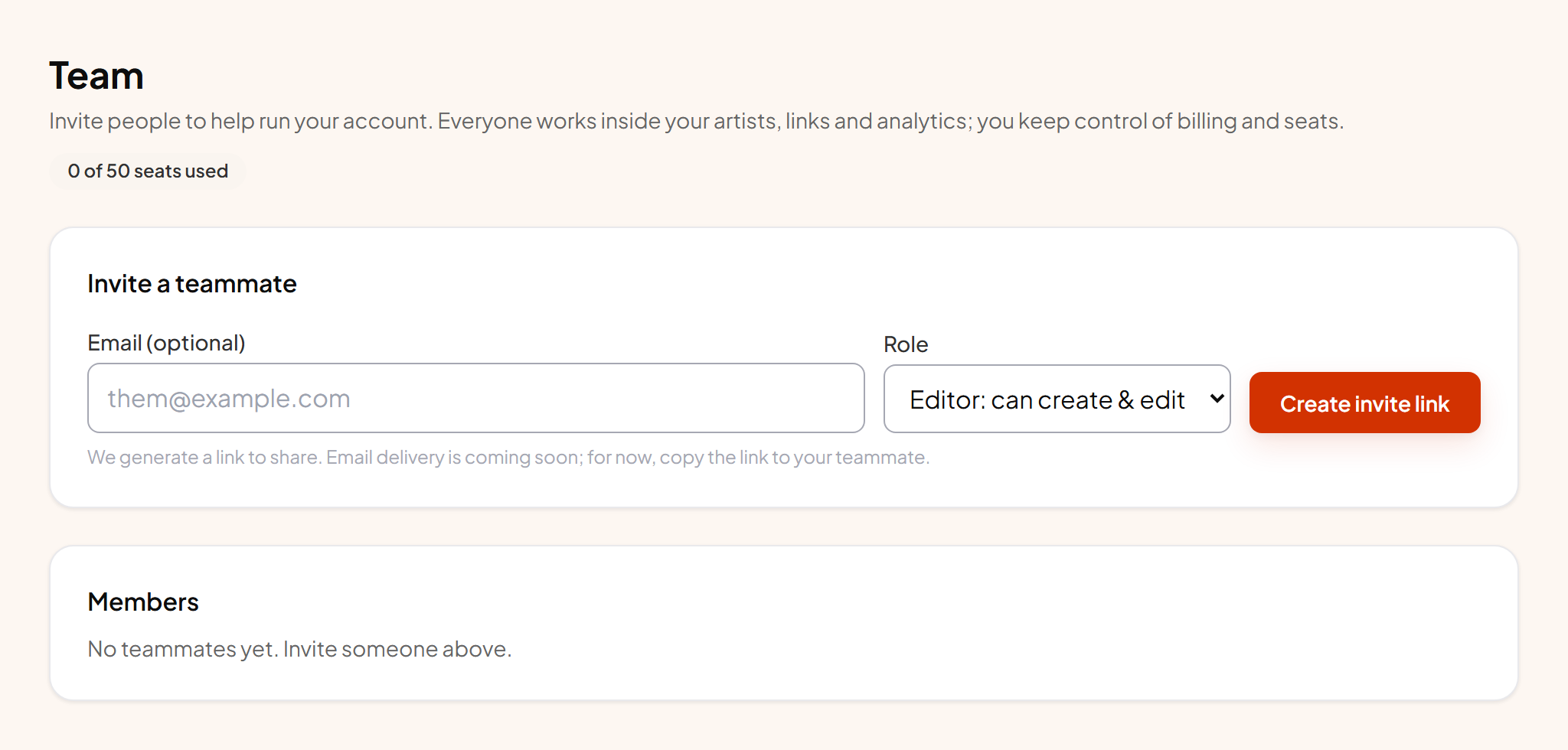
The two roles#
| Role | Can do |
|---|---|
| Editor | Create and edit links, bio pages and gates, change the look, manage pixels, see and export fans. Cannot touch billing, cannot delete the account, cannot manage other members. |
| Viewer | See everything, change nothing. The right role for a label contact or a manager who only needs the numbers. |
Billing, the plan, account deletion and team management stay with the owner. There is no way to delegate those, on purpose.
Seats#
| Plan | Teammates |
|---|---|
| Free | None. Solo only. |
| Indie | One. Enough for an artist plus their manager. |
| Pro | Three. |
| Roster | Ten. |
| Label | Fifty. |
The owner does not use a seat. A person is one seat no matter how many artists they can see, and an open invite holds a seat until it is accepted or cancelled.
Sending an invite#
- 1 Enter their email and pick a role Start with Viewer if you are not sure. Upgrading later is instant.
- 2 Scope them to specific artists if you want Useful on a roster: a manager sees only their acts.
- 3 Send They get a join link. If they do not have an account, they create one and land in yours.
- 4 Remove them whenever One click. Access ends immediately and the seat is freed.